Military pilot selection prep

Earn your wings.
Train for the AFOQT

Timed drills aligned with published exam formats, simulator events, aviation knowledge and interview prep — walk into test day with a method.

Inside the app

From first attempt to test-ready

  1. Training mode shows the correct answer the moment you miss.

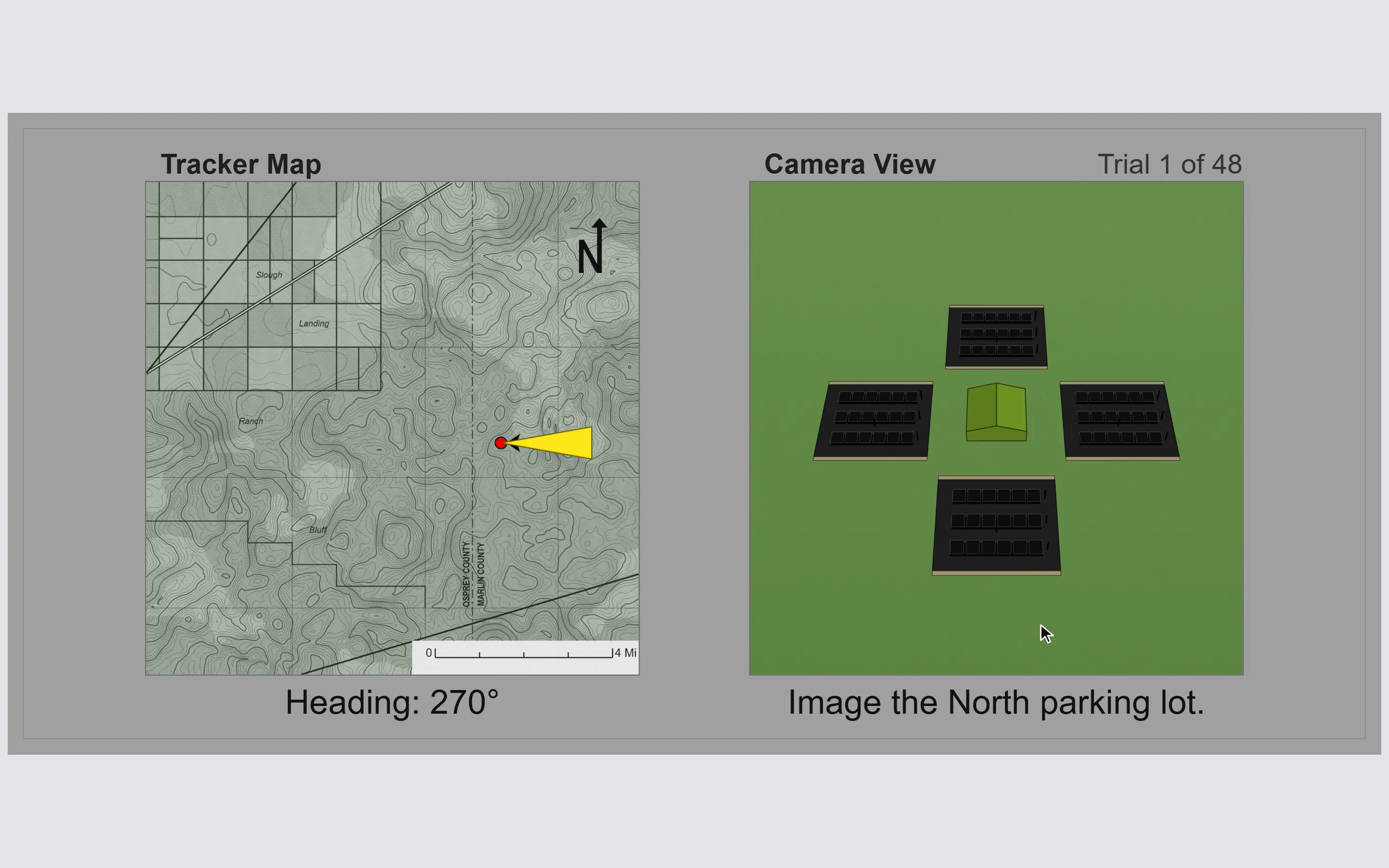
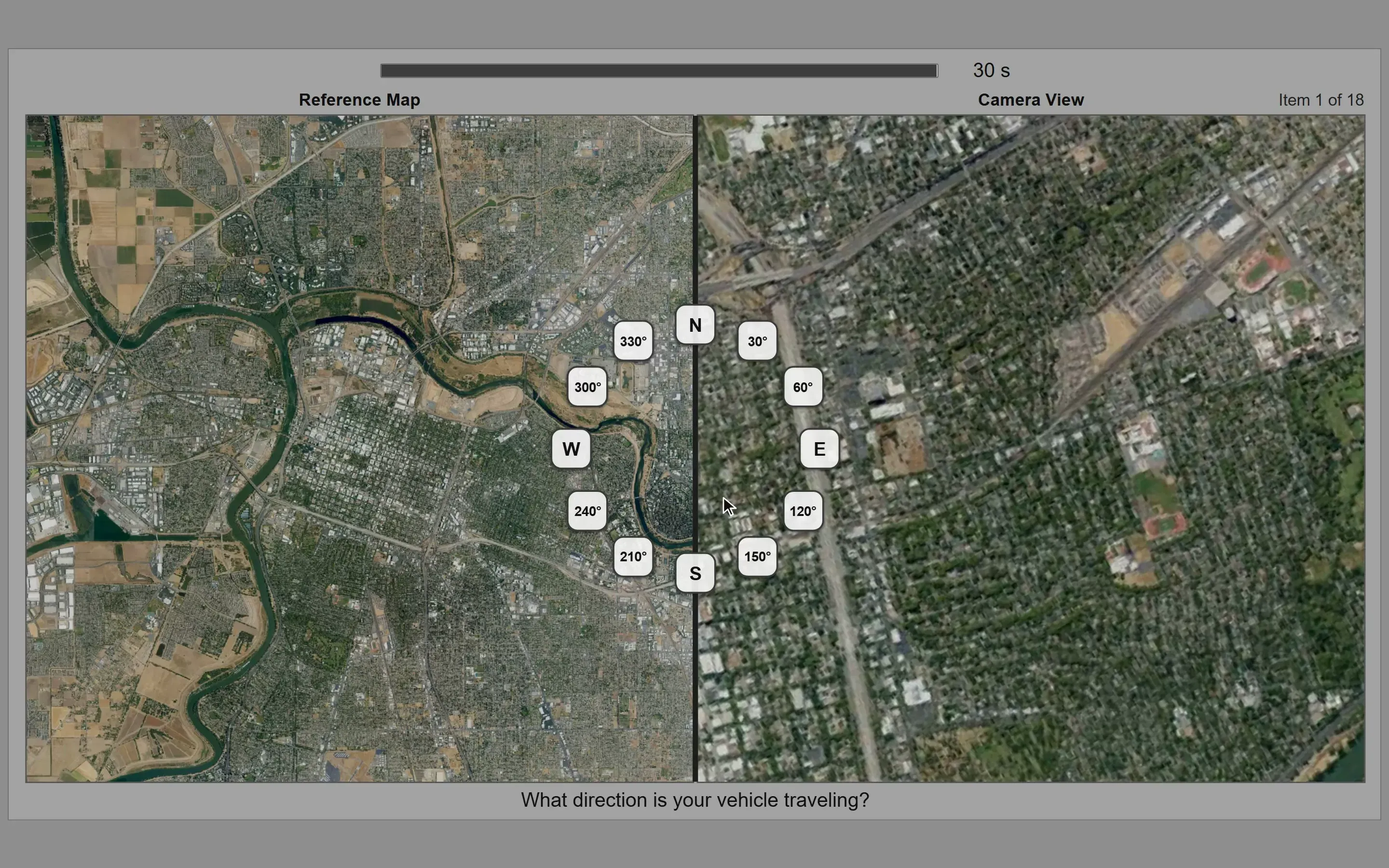
    Directional Orientation in training mode after a miss: the picked parking lot crossed out in red, the correct one highlighted in green beside the map and heading readout.
  2. Every run scored against other candidates, not an arbitrary scale.

    End-of-session results for Directional Orientation: the raw score for the run, with a row stating what percentage of other users it beats.
  3. Progress tracked attempt after attempt, variance included.

    The progress page: a line chart of Directional Orientation scores across a dozen sessions, rising overall with dips along the way.

Open the training app

Candidates

Selected, in their words

☆☆☆☆☆
Candidate story coming soon.
Coming soon
☆☆☆☆☆
Candidate story coming soon.
Coming soon
☆☆☆☆☆
Candidate story coming soon.
Coming soon

Read all reviews

Simulator events

The events other prep resources only describe

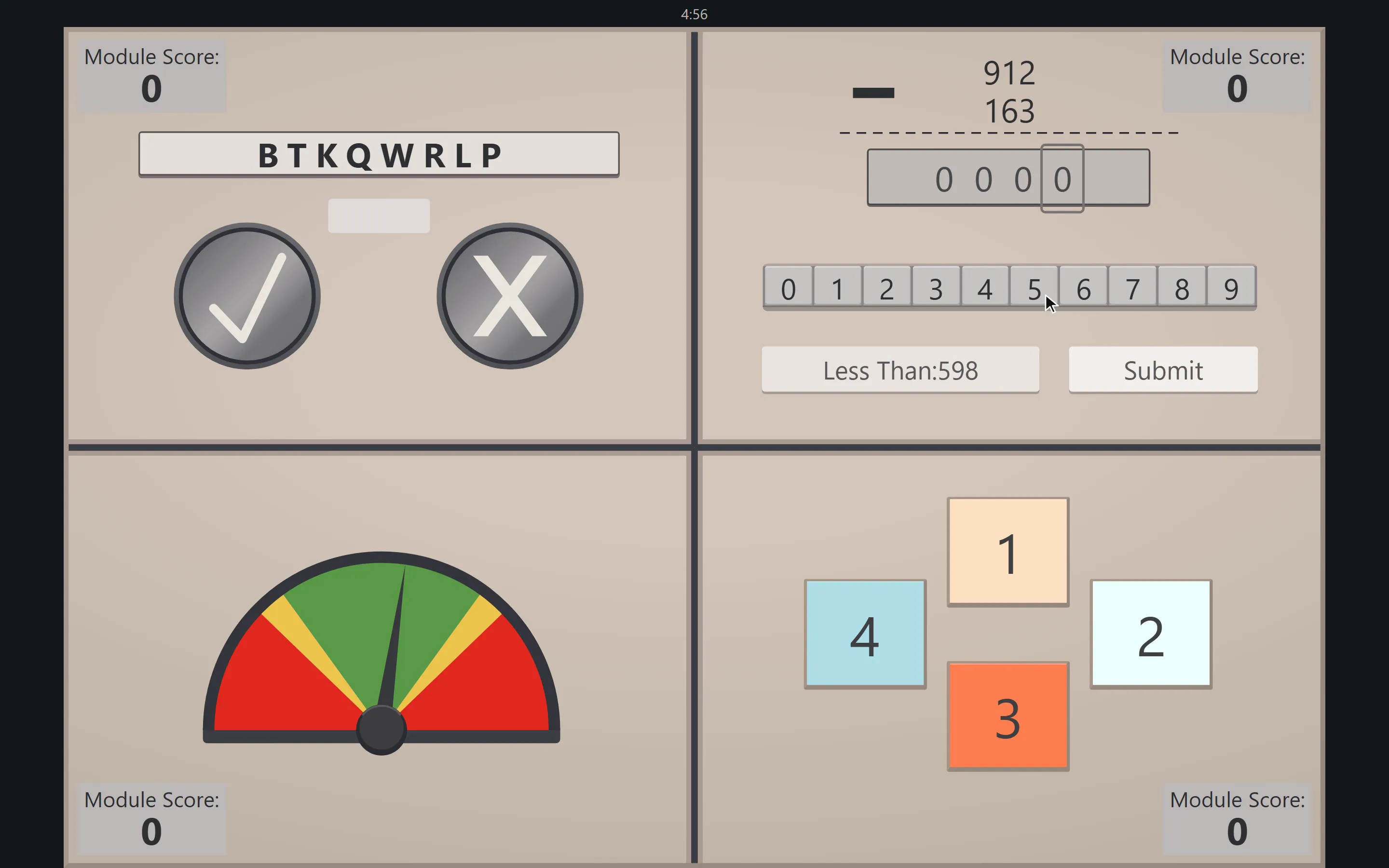
The Multitasking event mid-session: four quadrants running at once — letter memory, calculations, gauge monitoring and radio call sign — above a shared timer.
  • Generated on the fly — no two sessions repeat.
  • Gamepad or keyboard, straight in the browser.
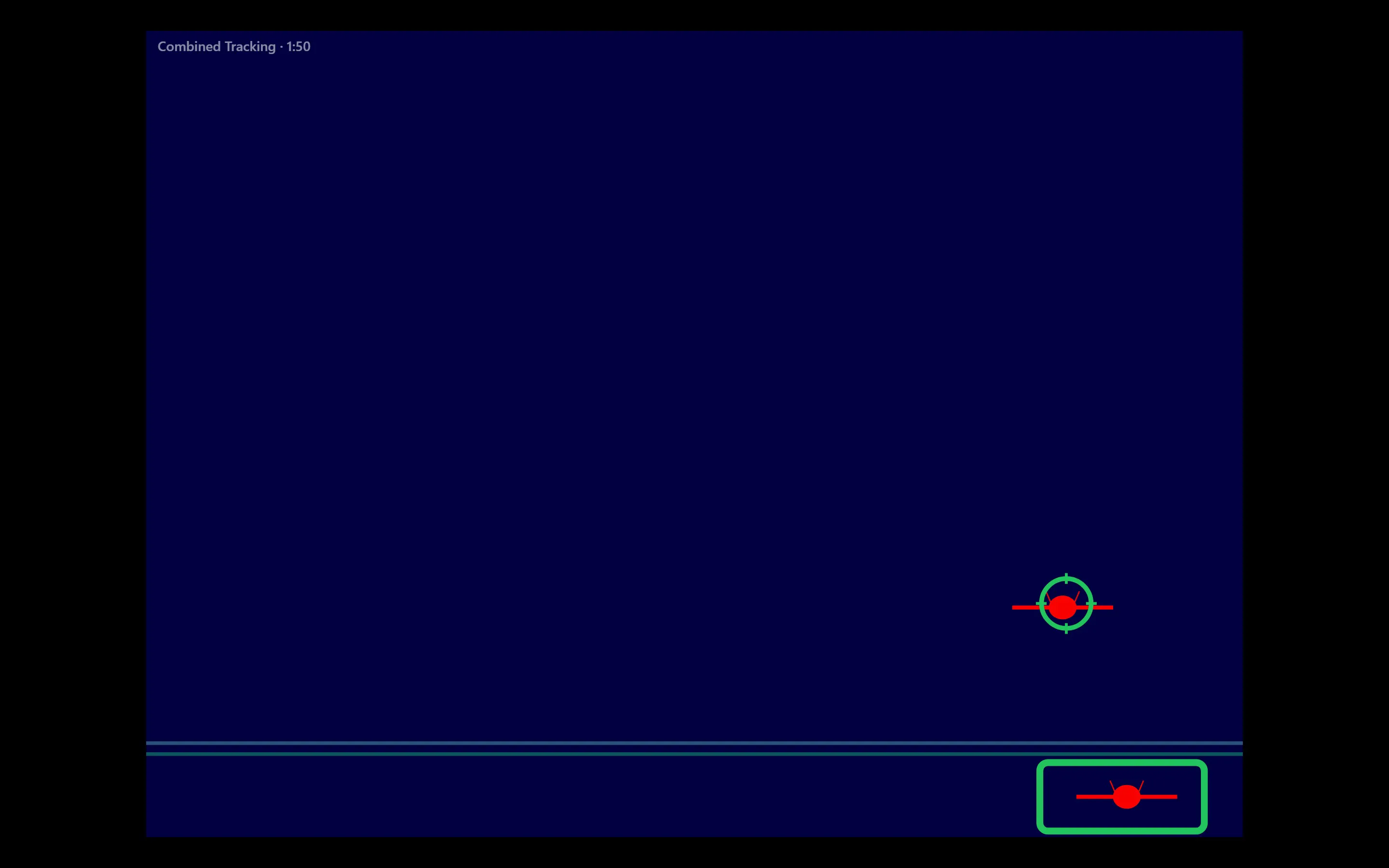
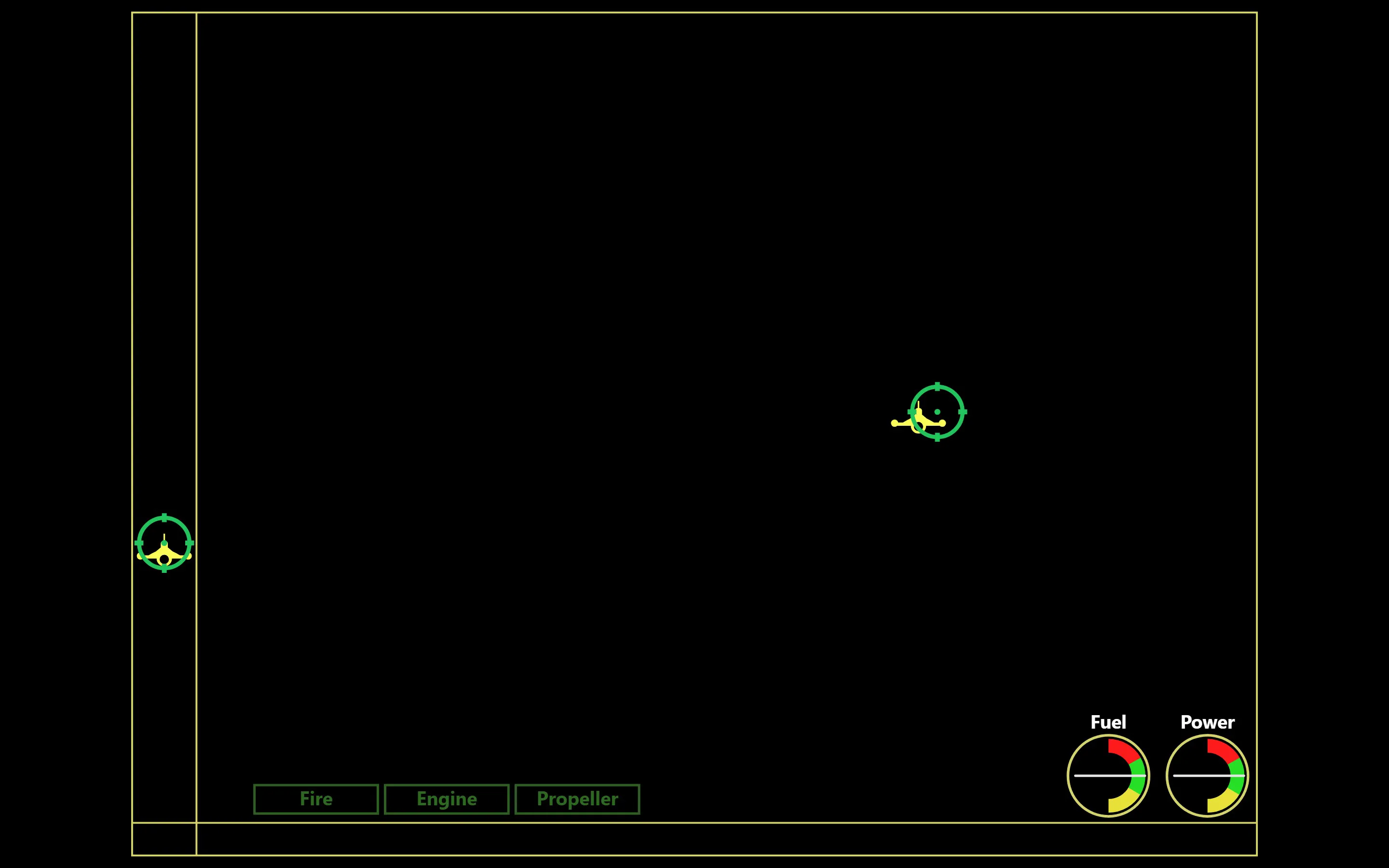
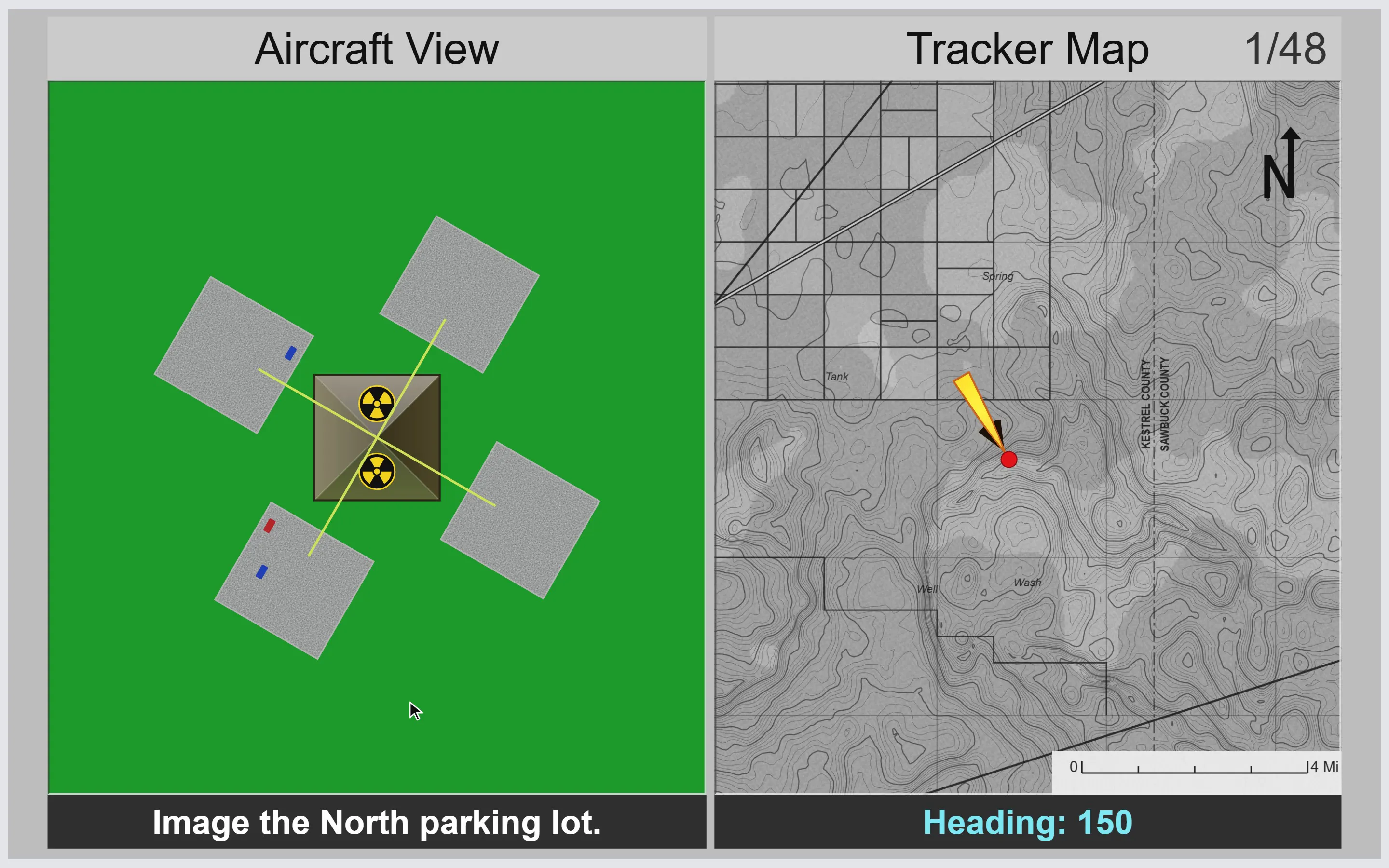
  • Stick-and-throttle tracking and UAV orientation, rehearsed before they count.

Training feedback focuses on accuracy and consistency — official scoring formulas are not published.

Open the training app

Frontline Forge web app

Build your test-day method

  • Exam-aligned drills under deliberate time pressure
  • Instant explanations after every item
  • Your score estimate, tracked drill after drill