Train for the ASTB-E.
Five subtests, three simulators.

Practice the ASTB-E subtests and the PBM simulators and see how you rank against other applicants.

Frontline Forge dashboard for ASTB-E: the sidebar of a signed-in account with the ASTB-E space, Statistics, Settings and Messages, next to the cards of the ASTB-E subtests and performance-based measures with their format.
Attempts
3, retest from day 31
Latest score
Replaces earlier ones
Trained here
8 subtests
Every attempt
Ranked vs applicants

Every ASTB-E subtest and performance-based measure, ready to practice.

Or start with the free ASTB-E practice test: 75 questions with answers, no account and no clock.

The performance-based measures

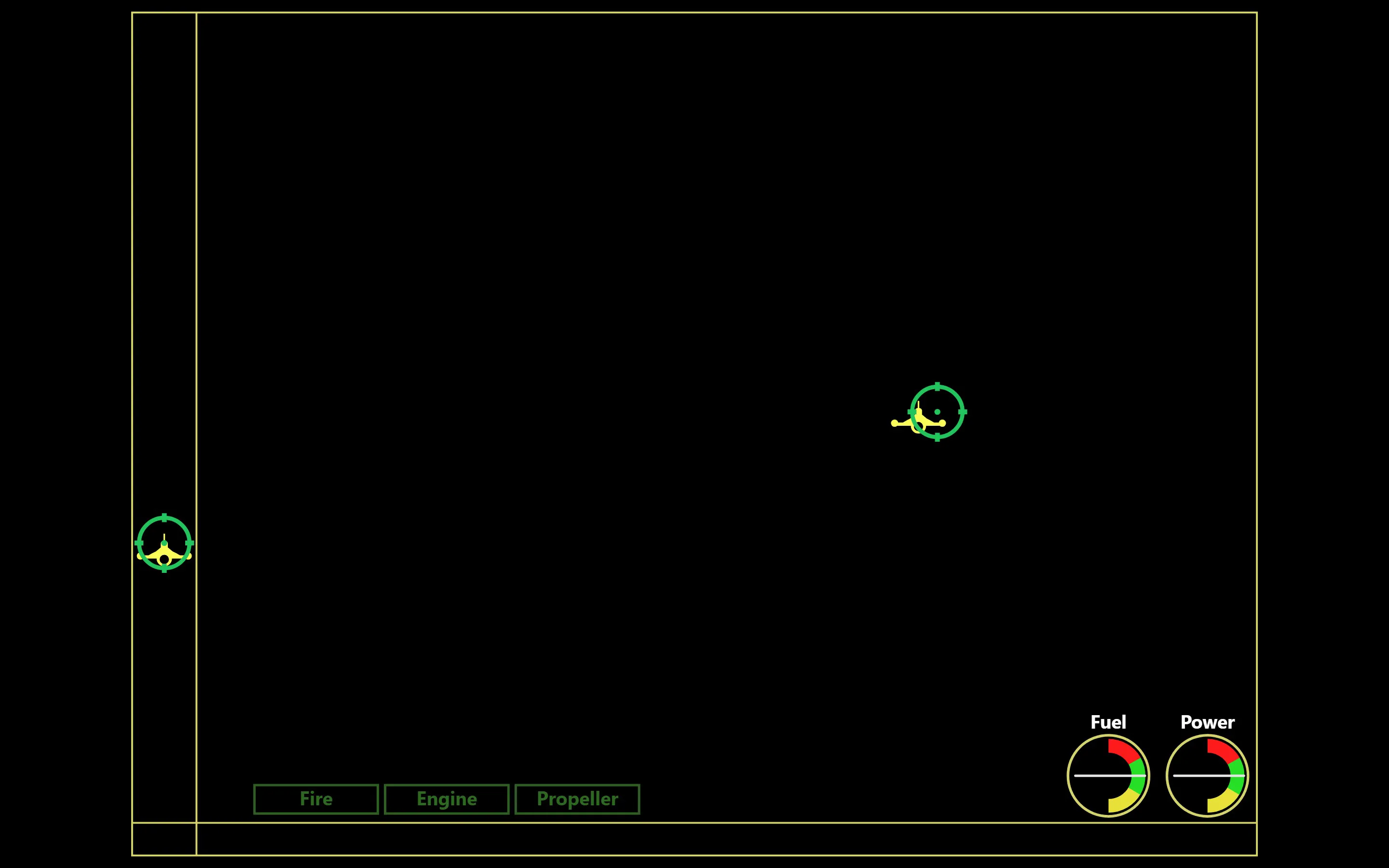
Stick and Throttle in play: on a black field, a red reticle to hold on a yellow aircraft in the main area and another in a narrow vertical lane.

Stick and Throttle (PBM)

Simulator · 5 min

Track two airplanes with stick and throttle, sort numbers heard in one ear, handle emergencies.

It tests eye-hand coordination and your ability to divide attention among different tasks.

How the subtest works
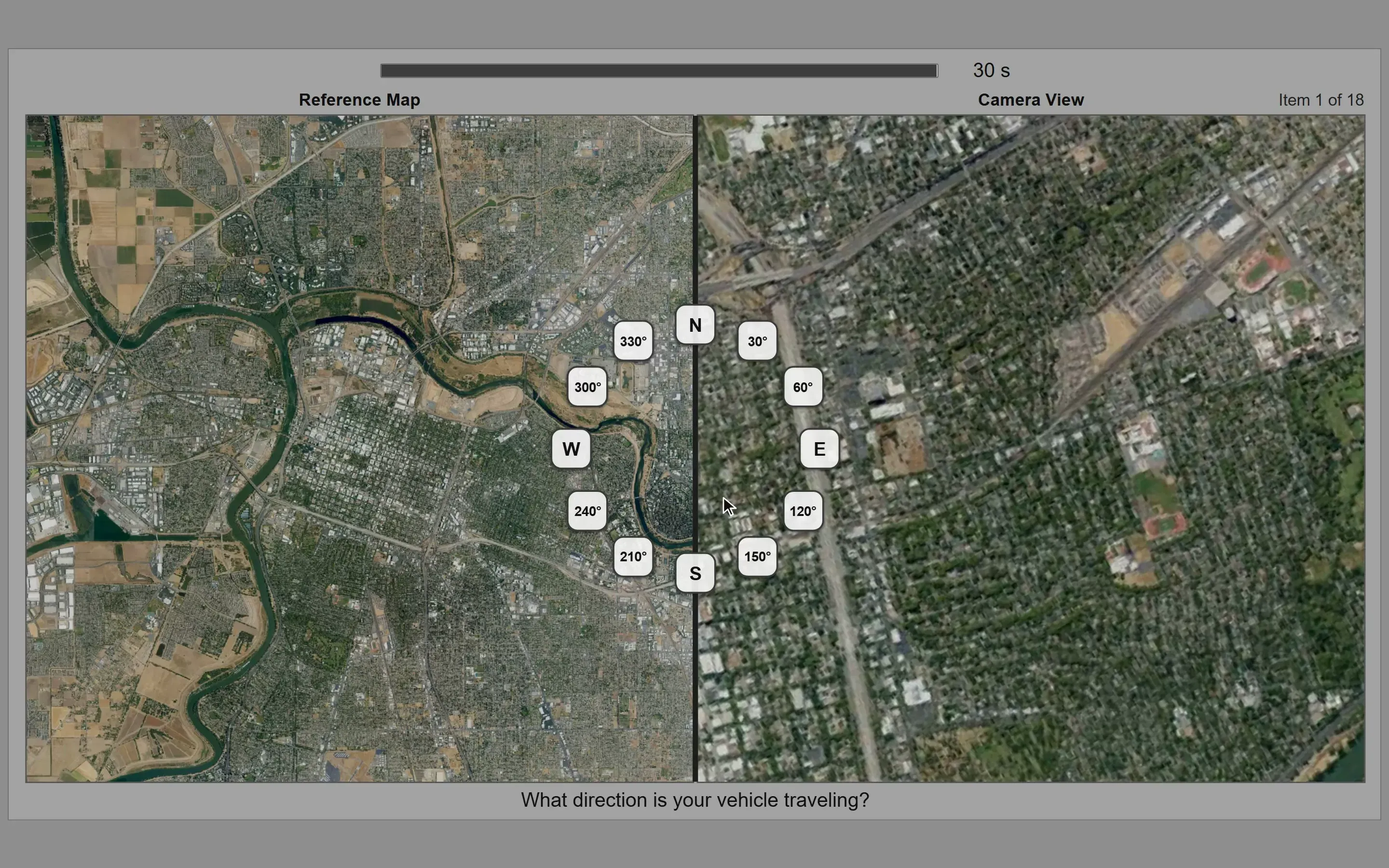
Terrain Identification in play: a turned camera view of the terrain next to the north-up map it must be matched to.

Terrain Identification (TOT)

18 items · 30 s per item

Match a turned camera view to a north-up map, then click the direction your vehicle travels.

It is a new spatial ability measure the Navy is evaluating for pilot selection.

How the subtest works
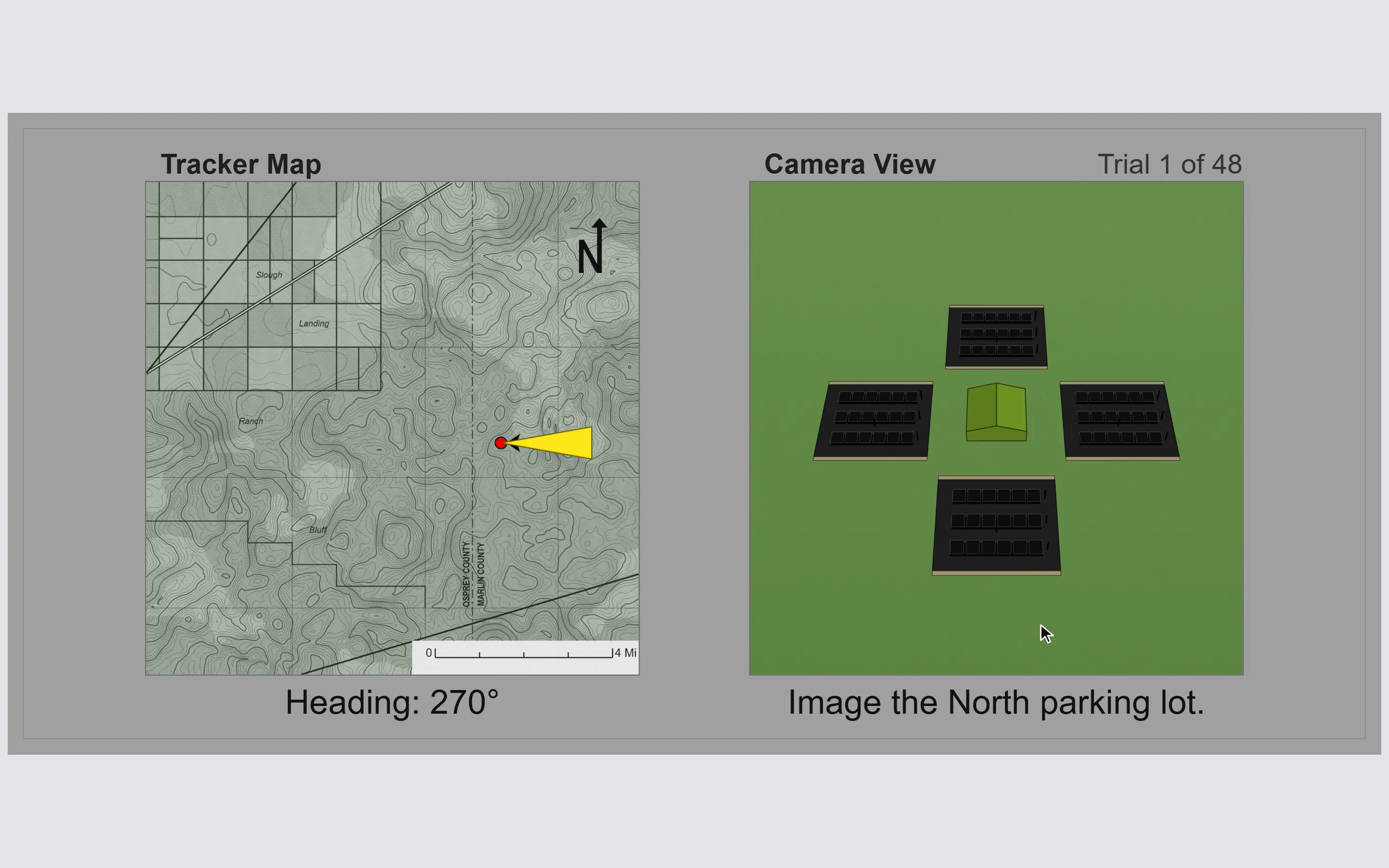
Directional Orientation in play: the drone's camera view of a compound and its parking lots, next to its heading.

Directional Orientation (DOT / UAV)

48 questions

Use the drone's heading to click the parking lot named aloud and on screen in the camera view.

It is a measure of spatial ability, added to the ASTB by the Navy in late 2013.

How the subtest works

And the five ASTB-E subtests

After every attempt, see where you stand.

Results screen of a practice attempt in the Frontline Forge app: the ranking, given as the share of test-takers outscored, a distribution curve of scores with your score and the median marked, and tiles for total score, time elapsed, average rank and average time.

Ranked against other applicants

Each attempt is ranked against the attempts recorded by applicants training on Frontline Forge, on the same practice test.

Progress curve on the Statistics page of the Frontline Forge app: the ranking of each saved attempt at one subtest, plotted in order on a scale from 0% to 100%.

Track your progress

Every attempt is saved, so you can see where you stand, work on your weak spots, and show up ready.

Train on every subtest.
Know your rank.

See pricing